I am giving OpenClaw a bit of a spin. I am doing this on an old local Ubuntu server. In here I describe the steps to get it working and how to configure it to my WhatsApp.
Preparation
You need:
- curl
- Node
- Homebrew
/bin/bash -c "$(curl -fsSL https://raw.githubusercontent.com/Homebrew/install/HEAD/install.sh)"
- bun Package Manager
brew install oven-sh/bun/bun
Installation
From the official website execute the following script:
curl -fsSL https://openclaw.ai/install.sh | bash
The installation is super straight forward. There is very little extra todo there. As soon as the download completes, the OpenClaw Onboarding begins.
Onboarding
To have the most control about the onboarding, select the Manual setup.
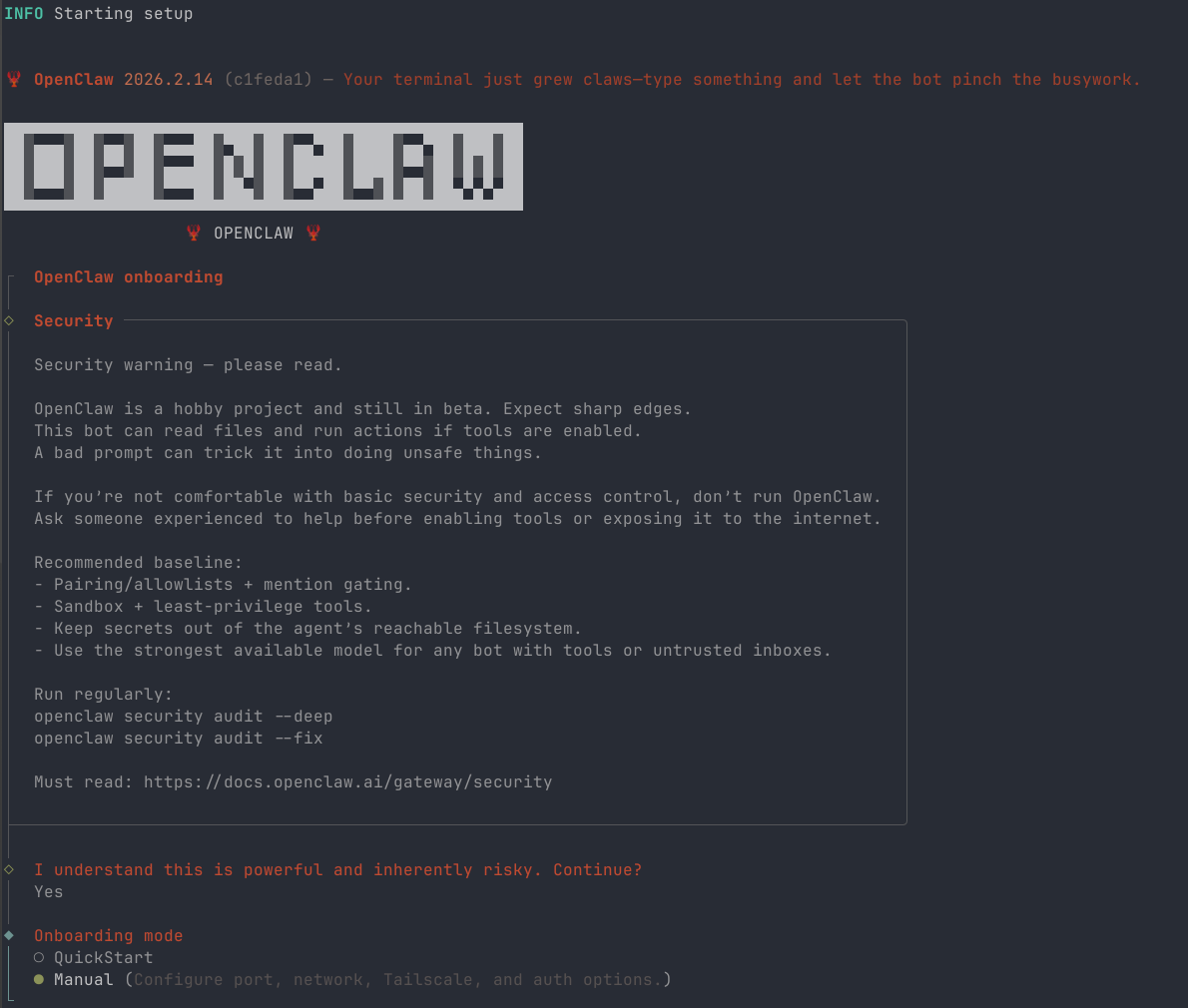
I have used the following settings in the Onboarding Wizard:
- Local Gateway
- Workspace directory
- Model/auth Provider
- OpenAI
- Gateway bind with Tailnet
- Gateway auth token
- Tailscale exposure to Serve
- WhatsApp QR Link
You simply scan the Device QR Code generated in the CLI with your phone that is connected with WhatsApp.